How to Write Better AI Girlfriend Image Prompts
Specificity, consistent character description, and setting and lighting details are what separate a generic AI-generated photo from a great one. A practical prompt-writing guide.
Jordan Voss
AI Companion Researcher
July 8, 2026
Quick answer
Better AI girlfriend image prompts come from being specific about setting, pose, lighting, and outfit rather than a single vague adjective, and from reusing consistent descriptive language across requests so your character's look stays recognizable. Image generation is one of the more uneven features in this category: 42% of the 129 platforms we've tested have no real image generation feature at all, and among those that do, average quality lands at 2.12 out of 5, well behind chat quality's 3.26. This guide covers the specific prompt habits that produce noticeably better results on platforms that do offer image generation, plus how to tell when a flat result is a prompting problem versus a platform limitation.
Image generation is one of the features people expect by default and are most often disappointed by. If you're still choosing a platform and image quality matters to you, our guide on choosing the right AI girlfriend app covers how to check that upfront. This article assumes you're already on a platform with image generation and want to actually get good results out of it.
Why vague prompts produce generic, forgettable images
It's worth remembering that image generation models work fundamentally differently from the language model handling your conversation, even on the same app. Some platforms hand your text prompt to a separate, dedicated image system rather than the same model you've been chatting with, which is part of why a character can read as perfectly consistent in conversation while looking noticeably different across generated photos.
"A pretty photo of her" or "something cute" gives an image model almost nothing concrete to render, so it defaults to the most generic version of whatever it's already producing for everyone else's vague prompts. Specificity is the single biggest lever here, the same way it is in text conversation. A prompt with a defined setting, pose, expression, and lighting gives the model far more to actually work from, and the difference in output quality is immediately noticeable, often on the very first try.
Build one consistent character description and reuse it every time
The single most useful habit for image consistency is writing out a short, specific description of your character's appearance once, hair color and style, eye color, general build, a signature detail like a piece of jewelry or a hairstyle, and reusing that exact wording in every image request. Changing your wording slightly each time is one of the most common reasons a character's face or features seem to shift between images. Consistency in your prompt language is doing more work than most people realize toward consistency in the actual output.
42%
of platforms have no real image generation feature at all
2.12/5
average image generation score among platforms that do
4.7/5
AIGirlfriends.ai's image generation score, among the highest we've tested
Describe the setting and lighting, not just the character
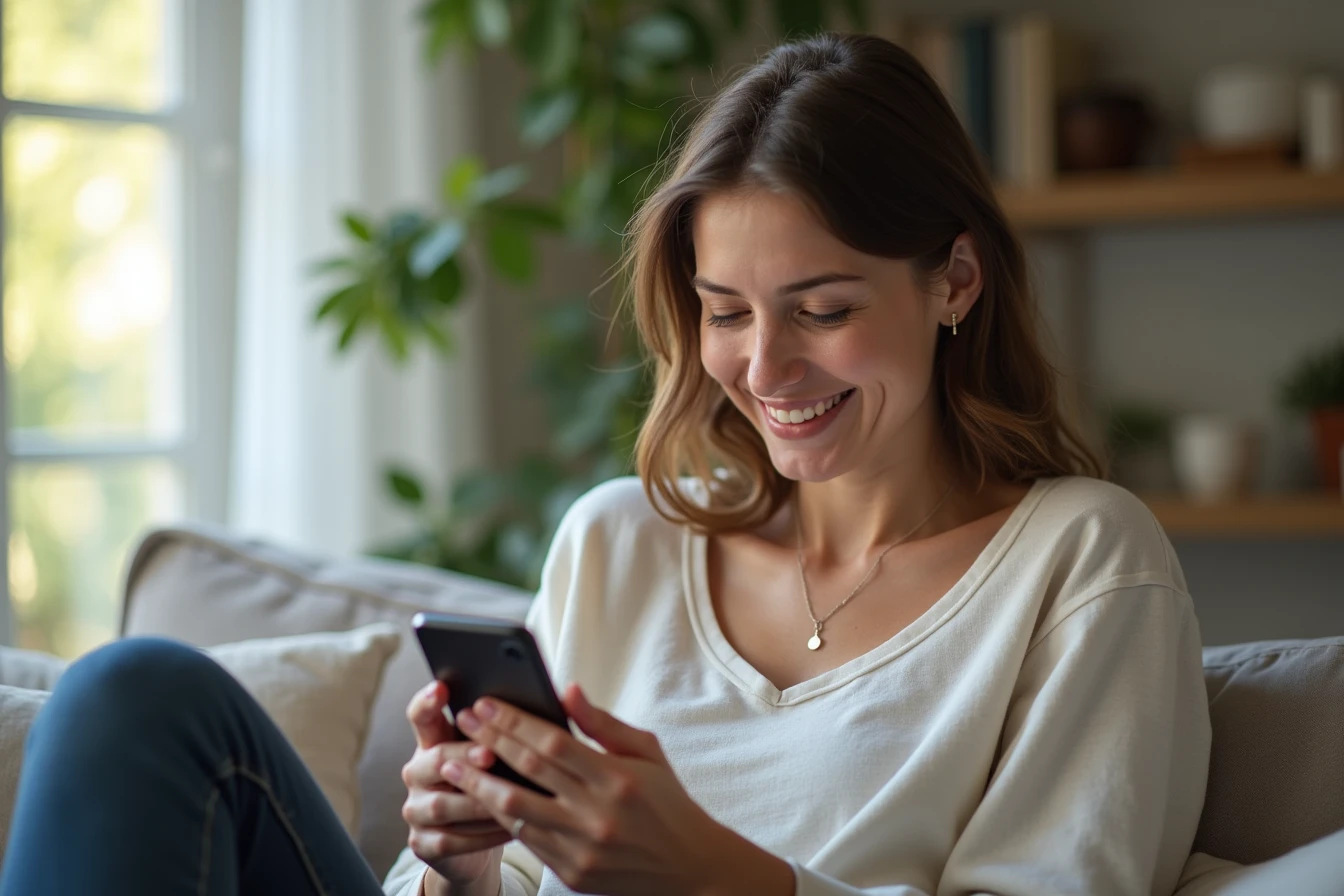
A prompt that only describes the character and skips everything around her tends to produce a flat, plain-background result. Naming a specific setting, a cafe table, a sunset walk, a cozy living room, along with a lighting descriptor like "soft afternoon light" or "warm evening lamp light," gives the model a full scene to render instead of just a floating subject. This one change alone tends to make results feel noticeably more like an actual photo rather than a generic character render.
Specify pose and expression directly instead of leaving it to chance
Leaving pose and expression undescribed means the model picks a default, which is usually the same generic pose you'll see repeated across many other people's requests on the same platform. Naming a specific pose (leaning against a doorway, sitting cross-legged, mid-laugh) and a specific expression (a soft smile, a playful smirk, a relaxed gaze) gives you far more control and far more variety across a set of images, rather than a series of near-identical shots with only the background changed.
Iterate on a result instead of starting completely over
Treat each generated image as data about what your current prompt actually produces, not a pass-or-fail outcome, and let that data guide your next specific adjustment.
If a generated image is close but not quite right, adjusting one specific element of your existing prompt, the lighting, the pose, one detail of the outfit, usually gets you closer faster than rewriting the entire prompt from scratch. Wholesale rewrites tend to change several things at once, making it hard to tell what actually caused an improvement or a regression. Small, targeted adjustments let you isolate what's actually working in your description.
Know when a flat result is a platform limitation, not your prompt
Given that average image generation quality sits at 2.12 out of 5 across the platforms that offer it at all, and 42% don't offer real image generation to begin with, some disappointing results genuinely aren't a prompting problem. If you've tried specific, consistent, well-structured prompts across several attempts and results are still consistently flat, blurry, or inconsistent with your character, that's a strong signal the underlying model on your platform is simply weaker in this category, not that you're prompting incorrectly. Comparing your platform's dedicated image generation score against the best AI girlfriend rankings is the fastest way to check whether that's the case.
Describe outfit and style with the same specificity as the character herself
Outfits are one of the most commonly under-described elements in a weak prompt. "Nice outfit" or "cute clothes" gives the model nothing concrete, while a specific description, a color, a garment type, a style descriptor like casual, elegant, or athletic, gives it a real target to render. This matters just as much for consistency as character description does: if you want a recurring "look" for your character across multiple images, reuse a consistent outfit description the same way you reuse her physical description, rather than describing a completely different outfit every time and wondering why the overall set of images feels disjointed.
Generate in small batches and compare, rather than judging a single result
Image models have real variation between attempts even with an identical prompt, so judging your prompt quality off a single generated image can be misleading. Generating two or three images from the same prompt and comparing them gives you a better sense of what that specific wording tends to produce on average, and helps you tell the difference between a genuinely weak prompt and simply an unlucky single result. This is a more efficient way to iterate than rewriting your prompt after every single disappointing image.
A quick checklist for better image prompts
- Write one consistent character description and reuse the exact same wording every time.
- Always name a specific setting and a lighting style, not just the character.
- Describe pose and expression directly instead of leaving them to chance.
- Make small, targeted adjustments to fix a near-miss rather than rewriting from scratch.
- If results stay flat after several specific attempts, check your platform's actual image generation score before assuming it's your prompting.
Avoid packing contradictory descriptors into a single prompt
A prompt that asks for both "soft natural daylight" and "dramatic moody lighting" at once, or both "casual loungewear" and "formal evening dress," forces the model to average two incompatible instructions rather than clearly satisfy either one, which tends to produce a muddled, uncertain-looking result. If you want to compare two different looks or moods, generate them as two separate prompts rather than trying to blend contradictory descriptors into one. Clean, internally consistent prompts reliably outperform ones trying to describe two different scenes at once.
What genuinely good image generation looks like
On the higher end of the category, image generation goes beyond a decent single photo and supports real visual consistency across an ongoing set of images, the same character recognizably showing up across different settings and outfits. AIGirlfriends.ai scores 4.7 out of 5 for image generation in our testing, among the strongest results we've measured, which gives a useful benchmark for what "good" looks like if you're trying to judge whether your own results are actually reasonable for the category or genuinely underperforming.
Further reading
Frequently Asked Questions
Why do my AI girlfriend's photos look inconsistent?▾
Usually because the wording describing her changes slightly each time. Writing one consistent character description and reusing the exact same wording in every request is the single biggest fix.
Why does image generation feel worse than chat on my platform?▾
It might genuinely be weaker. 42% of the 129 platforms we test have no real image generation feature, and among those that do, average quality is 2.12 out of 5, well behind chat quality's 3.26.
Should I describe the setting, not just the character?▾
Yes. Naming a specific setting and lighting style gives the model a full scene to render, which tends to produce noticeably more photo-realistic results than describing the character alone.
What does genuinely good AI girlfriend image generation look like?▾
AIGirlfriends.ai scores 4.7 out of 5 for image generation in our testing, among the strongest results we've measured, and supports real visual consistency across a set of images, not just one good photo.